
We’re excited to share that LinkSquares Knowledge Base has been updated to better empower our users! I’m Ethan Walfish, and I lead the Support Team here at LinkSquares. As I think about supporting our customers, one of the most important elements is having the information users need readily available.
Our new Knowledge Base comes with several enhancements, including:
- An updated backend to ensure faster page loads and reliable formatting across environments
- A new rich text editor when submitting and updating support cases
- Greater functionality to see your existing and historical support cases
- Updated styling that better represents our brand and is more user friendly
As usual, the Knowledge Base is available by either visiting https://help.linksquares.com or from within the application under the User Menu:
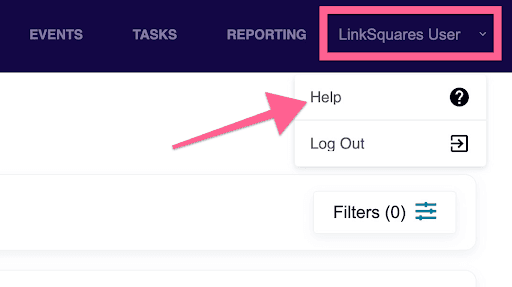
We’re thrilled to provide you with this content. Here are some of our favorite articles:
- LinkSquares Sign FAQ
- Governing Summaries FAQ
- Finalize Integration in Salesforce
- LinkSquares Finalize for Microsoft Word
- LinkSquares API Overview
- Reporting in Analyze
If you can’t find something you need, don’t hesitate to chat with us! We’re online from 8:30 AM until 5:30 PM ET. You can contact us via the chat icon in the lower right corner of the Knowledge Base.
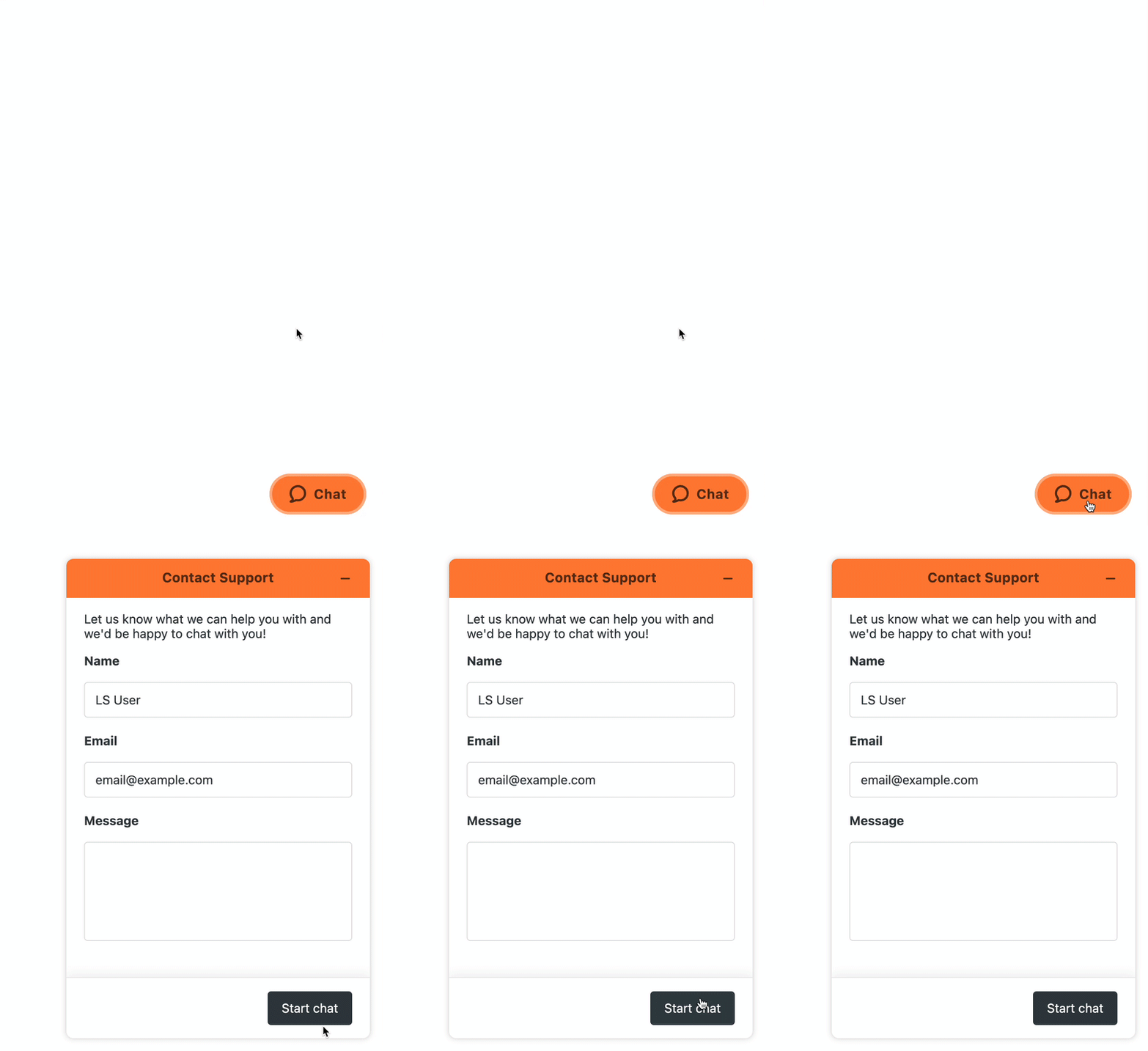
We want to know how we’re doing. Please reach out to your CSM, [email protected], live chat, or fill out a survey at the end of your support cases. We look forward to working with you!
About the author

Ethan Walfish
Sr. Manager, Support